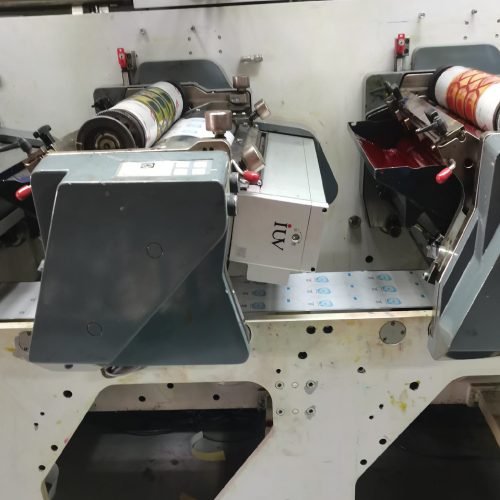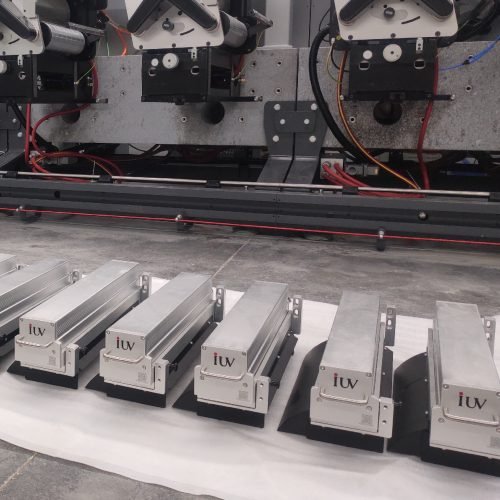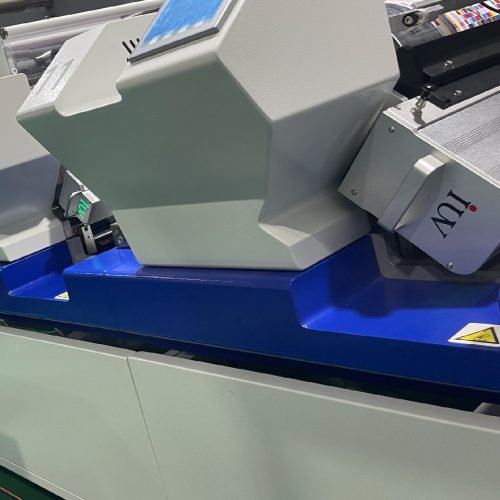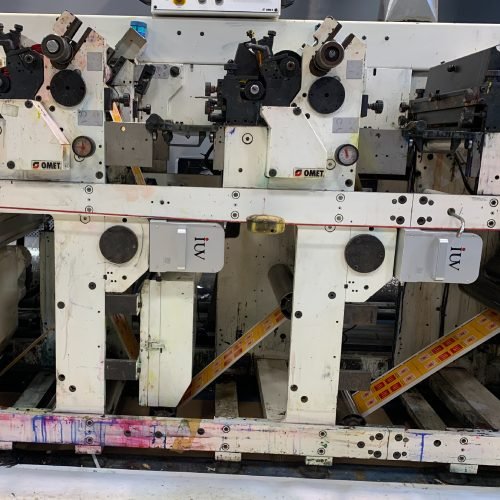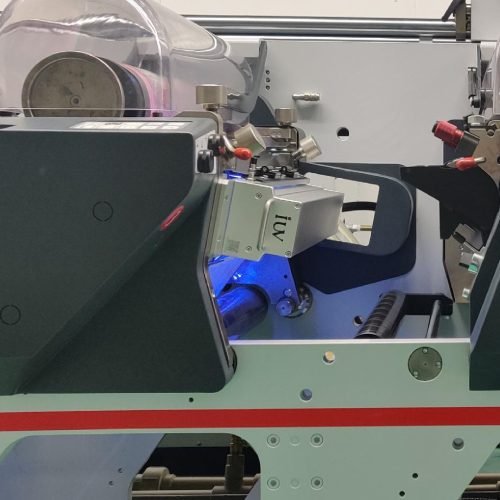
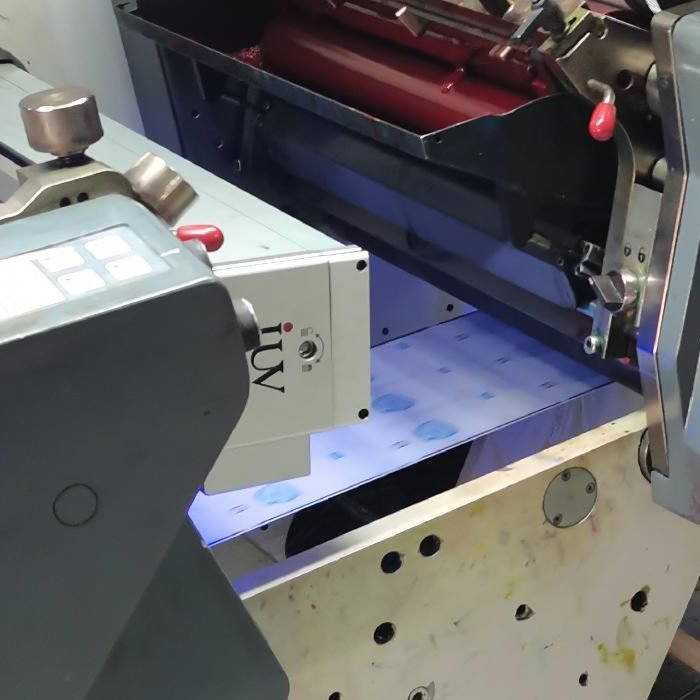
In the demanding world of narrow web label printing, achieving consistent, high-quality results hinges on precise control over every process variable. Among these, UV energy output stands out as a critical factor influencing ink curing, adhesion, and overall print integrity. For flexographic, offset, and other narrow web printing applications, understanding and managing UV energy is not just beneficial – it’s essential for stable production and customer satisfaction.
The Pillars of UV Curing in Narrow Web Printing
UV curing technology has revolutionized label printing by offering rapid drying times, enhanced durability, and vibrant finishes. This process relies on ultraviolet light to initiate a photochemical reaction, transforming liquid inks, coatings, or adhesives into a solid, cross-linked film. In narrow web environments, where speed and efficiency are paramount, the reliable performance of UV curing systems is indispensable.
Understanding UV Energy and Its Impact
UV energy is typically measured in joules per square centimeter (J/cm²) or millijoules per square centimeter (mJ/cm²). It represents the total amount of UV light energy delivered to the substrate surface over a specific area. The intensity of the UV lamps, measured in watts per square centimeter (W/cm²) or watts per linear inch (W/in), dictates how quickly this energy is delivered.
For narrow web label printing, controlling this energy output is crucial for several reasons:
- Complete Ink Curing: Insufficient UV energy can lead to under-cured inks, resulting in poor scratch resistance, reduced chemical resistance, and potential delamination of subsequent layers. This is particularly problematic with thicker ink films common in flexographic printing.
- Substrate Integrity: Excessive UV energy can degrade or scorch heat-sensitive substrates, leading to warping, discoloration, or brittleness. This is a common concern when printing on thin films or certain paper stocks.
- Adhesion: Proper UV energy ensures optimal cross-linking of ink and coating molecules, promoting strong adhesion to the substrate and between different ink layers. Poor adhesion is a frequent cause of print defects and product failure.
- Color Consistency: Fluctuations in UV energy can alter the final appearance of inks, affecting color vibrancy and accuracy. Achieving brand color consistency across different print runs is a core requirement in label manufacturing.
- Migration Concerns: In food and pharmaceutical labeling, complete curing is vital to minimize the risk of uncured monomers migrating from the ink into the packaged product. This is directly linked to sufficient UV energy exposure.
Key UV Curing Technologies in Narrow Web Applications
Two primary UV lamp technologies dominate narrow web label printing: mercury vapor lamps and UV LED systems. Each has distinct characteristics that influence how their energy output is controlled.
Mercury Vapor Lamps: The Traditional Workhorse
Mercury vapor lamps have been the standard for UV curing for decades. They emit UV light across a broad spectrum, including UVA, UVB, and UVC wavelengths, with peak emissions typically around 365 nm.
Controlling Energy Output with Mercury Lamps:
- Power Settings: Most mercury lamp systems allow for adjustable power output, often in percentage increments. This is the most direct way to influence the total energy delivered.
- Number of Lamps: The total UV energy is a sum of the energy from each lamp. Adding or removing lamps from a UV curing station directly impacts the available energy.
- Lamp Age and Condition: Mercury lamps degrade over time. Their UV output diminishes as they age, and their spectral output can shift. Regular monitoring and timely replacement are essential for maintaining consistent energy levels.
- Reflector Design: High-performance reflectors are designed to focus UV light onto the substrate. Their condition and cleanliness can affect the efficiency of energy delivery.
- Cooling Systems: Effective cooling is critical for mercury lamps to maintain stable operating temperatures and prevent premature degradation.
UV LED Systems: The Modern Innovator
UV LED (Light Emitting Diode) curing systems offer a more focused and efficient approach to UV curing. They emit UV light at specific, narrow wavelengths, most commonly in the UVA range (e.g., 365 nm, 385 nm, 395 nm, 405 nm).
Controlling Energy Output with UV LEDs:
- Power/Current Control: LED systems provide highly precise control over the electrical current supplied to the diodes, which directly correlates to their UV output. This allows for fine-tuning energy levels.
- On/Off Cycling: LEDs can be switched on and off instantaneously, enabling dynamic control and reducing unnecessary energy consumption when not actively curing.
- Wavelength Specificity: Because LEDs emit at specific wavelengths, they can be chosen to match the absorption spectra of particular UV-curable inks and coatings, leading to more efficient curing.
- Uniformity: Modern LED arrays are designed to deliver highly uniform UV irradiance across the web, minimizing variations in energy density that can lead to inconsistent curing.
- Thermal Management: While LEDs generate less heat than mercury lamps, efficient thermal management is still crucial for maintaining optimal performance and longevity.
Practical Strategies for Controlling UV Energy in Narrow Web Printing
Achieving stable narrow web label printing with consistent UV curing requires a proactive and systematic approach.
1. Substrate and Ink Compatibility Analysis
Before initiating a print run, it’s vital to understand the specific requirements of the inks, coatings, and the substrate.
- Ink/Coating Specifications: Consult the technical data sheets (TDS) from ink and coating manufacturers. These documents often specify the required UV energy (J/cm²) and intensity (W/cm²) for proper curing. They may also indicate the optimal UV wavelength.
- Substrate Limitations: Be aware of the heat and UV sensitivity of your chosen substrate. Delicate films or papers may require lower energy settings or faster web speeds to avoid damage.
- Layer Interaction: If multiple ink layers or coatings are applied, ensure that the UV energy is sufficient to cure each layer thoroughly, especially if subsequent layers are applied wet-on-wet.
2. Optimizing UV Curing Unit Settings
Once compatibility is established, the focus shifts to the UV curing unit itself.
- Mercury Lamp Systems:
- Power Levels: Start with the manufacturer’s recommended power settings for the specific lamp type and substrate. Gradually adjust power up or down based on cure tests.
- Web Speed Synchronization: Ensure that the web speed is synchronized with the UV lamp output. Higher speeds require more intense UV energy to deliver the same total dose.
- Lamp Conditioning: Allow mercury lamps to reach their stable operating temperature before starting production.
- Regular Audits: Periodically measure the UV output of mercury lamps using a radiometer to track degradation and ensure they are within specifications.
- UV LED Systems:
- Irradiance Settings: Utilize the precise irradiance controls to deliver the energy level recommended by the ink supplier.
- Dose Calculation: Many LED controllers allow you to set a target UV dose (J/cm²) by factoring in web speed and irradiance. This provides a more direct path to consistent energy delivery.
- Wavelength Selection: Choose LED arrays with wavelengths that best match the photoinitiators in your ink system for maximum curing efficiency.
- Uniformity Checks: Periodically check the uniformity of the UV output across the web width using a radiometer with mapping capabilities.
3. Utilizing Measurement Tools
Accurate measurement is the cornerstone of control.
- UV Radiometers: These instruments measure the UV irradiance (W/cm²) and sometimes the total UV dose (J/cm²) at specific wavelengths. Regular use of radiometers allows you to:
- Verify that the UV system is performing as expected.
- Track lamp aging and schedule replacements proactively.
- Calibrate settings for different jobs.
- Diagnose curing issues by quantifying the delivered energy.
- Cure Testers (e.g., using the Aristoweb method or fingernail scratch tests): While not directly measuring energy, these tests provide a practical confirmation of whether the ink is adequately cured. Combine these with radiometer readings for a comprehensive understanding.
4. Monitoring and Troubleshooting
Continuous monitoring and effective troubleshooting are key to maintaining stable production.
- Visual Inspection: Regularly inspect printed labels for signs of incomplete curing, such as tackiness, smudging, or poor adhesion.
- Performance Tracking: Keep records of UV system settings, web speeds, and cure test results for each job. This historical data is invaluable for troubleshooting and establishing new job parameters.
- Root Cause Analysis: When curing issues arise, systematically investigate potential causes:
- Is the UV energy sufficient? (Check radiometer readings, settings)
- Is the wavelength appropriate? (For LEDs)
- Is the web speed correct?
- Are the lamps old or dirty?
- Is the substrate compatible?
- Is the ink formula correct?
- Are the reflectors clean and functional?
Conclusion: The Power of Precise UV Energy Control
In narrow web label printing, mastering UV energy output is not a matter of guesswork but a science. By understanding the principles of UV curing, leveraging appropriate technologies, implementing precise control strategies, and utilizing measurement tools, printers can ensure stable production. This translates to fewer print defects, reduced waste, improved turnaround times, and ultimately, higher quality labels that meet and exceed customer expectations. The investment in controlled UV curing is an investment in the reliability and profitability of your narrow web printing operation.